- 17/12/2025
- 7 min
How to mark all messages in the mail folder as read or unread via Microsoft Graph API
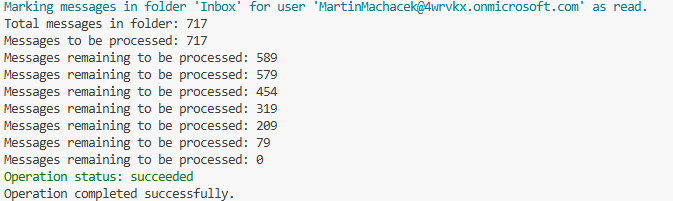
In this article, I will show you how to mark all messages in a mail folder as read or unread using the Microsoft Graph API.
In this article, I will show you how to mark all messages in a mail folder as read or unread using the Microsoft Graph API.
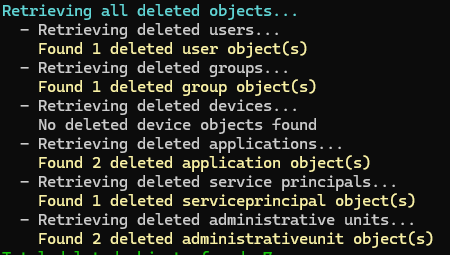
In this article, I will describe what resources can be soft-deleted and restored in Microsoft Entra ID and how to do it through the Microsoft Graph API and Microsoft Graph PowerShell SDK.

Today, I will show you how to use the Microsoft Graph PowerShell SDK to download all files from all document libraries on all SharePoint sites including subsites.
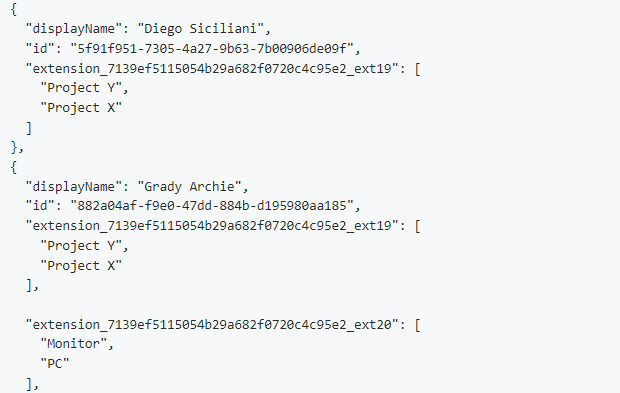
In this blog, I will show you how to retreive the directory extensions and associated data on specific directory object in the Microsoft Graph API.
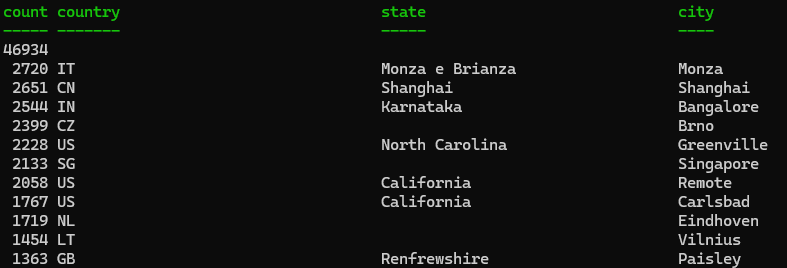
In this post, I will show you how to use the Graph API together with DuckDB to run analytical queries on data in your tenant.
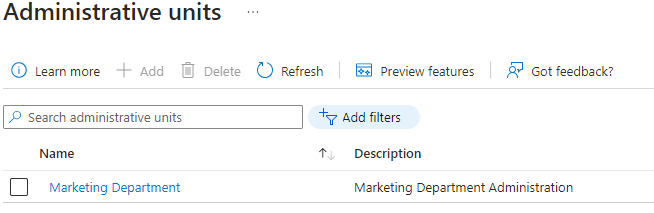
In this tutorial, I will show you how to create a new administrative unit, add members and assign an Entra ID role with administrative unit scope.
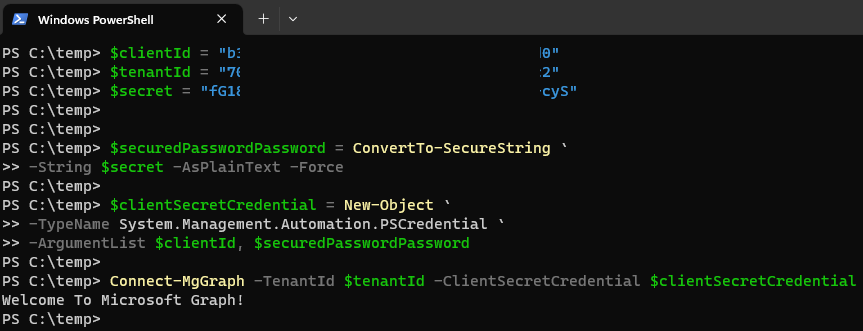
In this post, I will show how to read delegated and application permissions for an app and export the permissions to a csv file.