Security attributes
Custom security attributes are business-specific key-value pairs that you can define and assign them to Microsoft Entra objects like users or groups.
These attributes can be used to store information, categorize objects, or enforce fine-grained access control over specific Azure resources (with Azure attribute-based access control - Azure ABAC).
For security reasons, it is important to monitor the management of these custom security attributes, and you can do that by accessing the audit logs in Entra ID.
Audit logs
Audit logs can be accessed through the Microsoft Graph API and beta endpoint
GET /beta/auditLogs/customSecurityAttributeAudits
The calling app must have the CustomSecAttributeAuditLogs.Read.All permission. If the logs are accessed by a user, the user must have either the Attribute Log Reader or the Attribute Log Administrator role.
What the logs contain:
- activityDateTime - The date and time of the activity was performed.
- activityDisplayName - The activity name or the operation name.
- category - The resource category which is always AttributeManagement.
- correlationId - Unique ID that helps trace logs across services.
- id - Unique ID for the activity.
- initiatedBy - Details about the user or app initiated the activity.
- loggedByService - Information on which service initiated the activity.
- operationType - The type of operation that was performed like
Add,Assign,Update,Unassign, andDelete. - result - The result of the activity like
success,failure, andtimeout. - resultReason - The reason for failure if the result is failure or timeout.
- targetResources - Information on which resource like user, app or other was changed.
- userAgent - Type of user agent used by a user in the activity.
Filtering:
The following table shows the filterable properties and the supported filter operations:
| Property | Supported $filter operations |
|---|---|
| activityDisplayName | eq, startswith |
| initiatedBy | eq for user/id, user/displayName, user/userPrincipalName, app/appId, app/displayName and startswith for user/userPrincipalName |
| loggedByService | eq |
| targetResources | eq for id and displayName and startswith for displayName |
Audit logs viewer
For better experience, I've created a small app that allows you to easily view and filter the audit logs for custom security attributes management in Entra ID.
You can find the app in my GitHub repository.
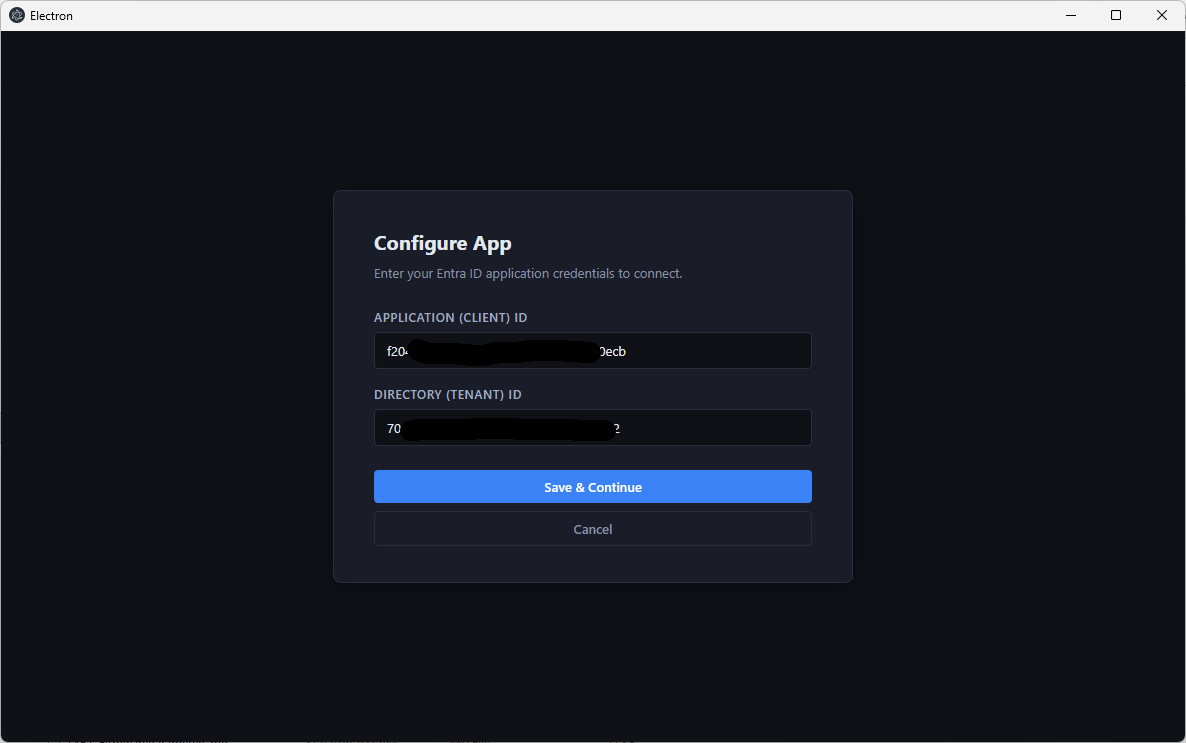
When you run the app, you will be prompted to provide the tenant ID and application (client) ID of an app with the required permissions to access the logs.
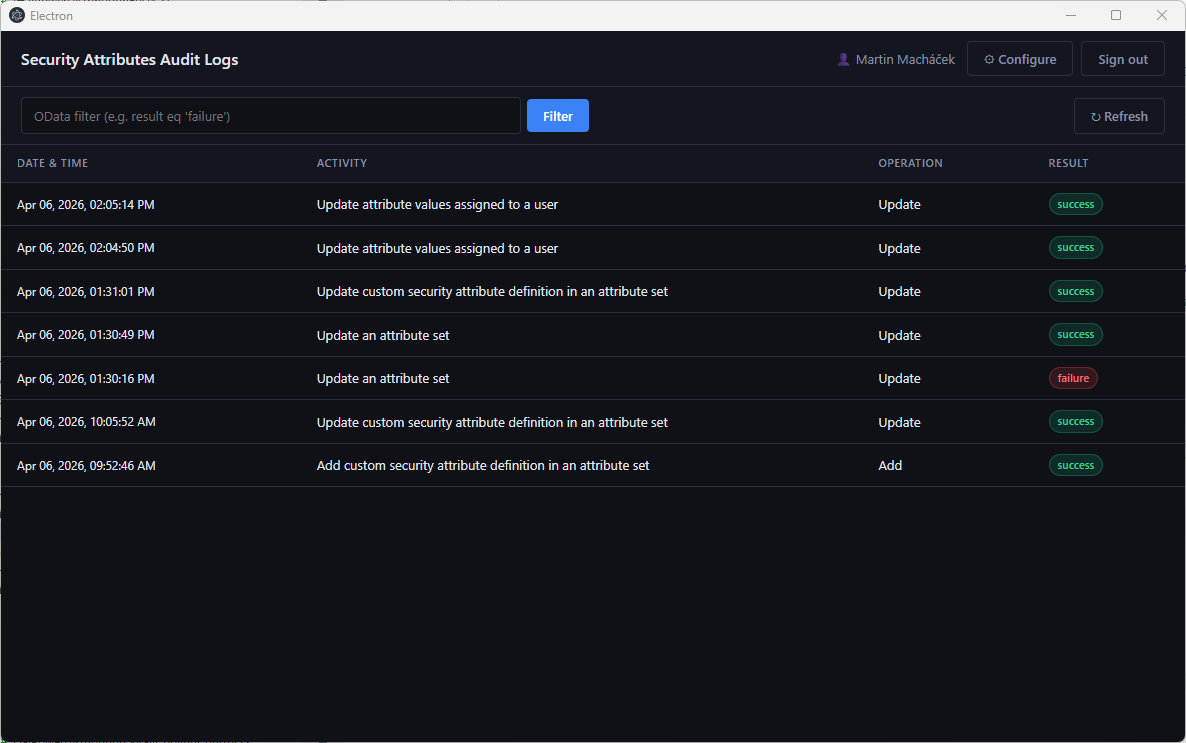
After you sign in, you will be able to see the logs and use the filtering options to find specific activities.
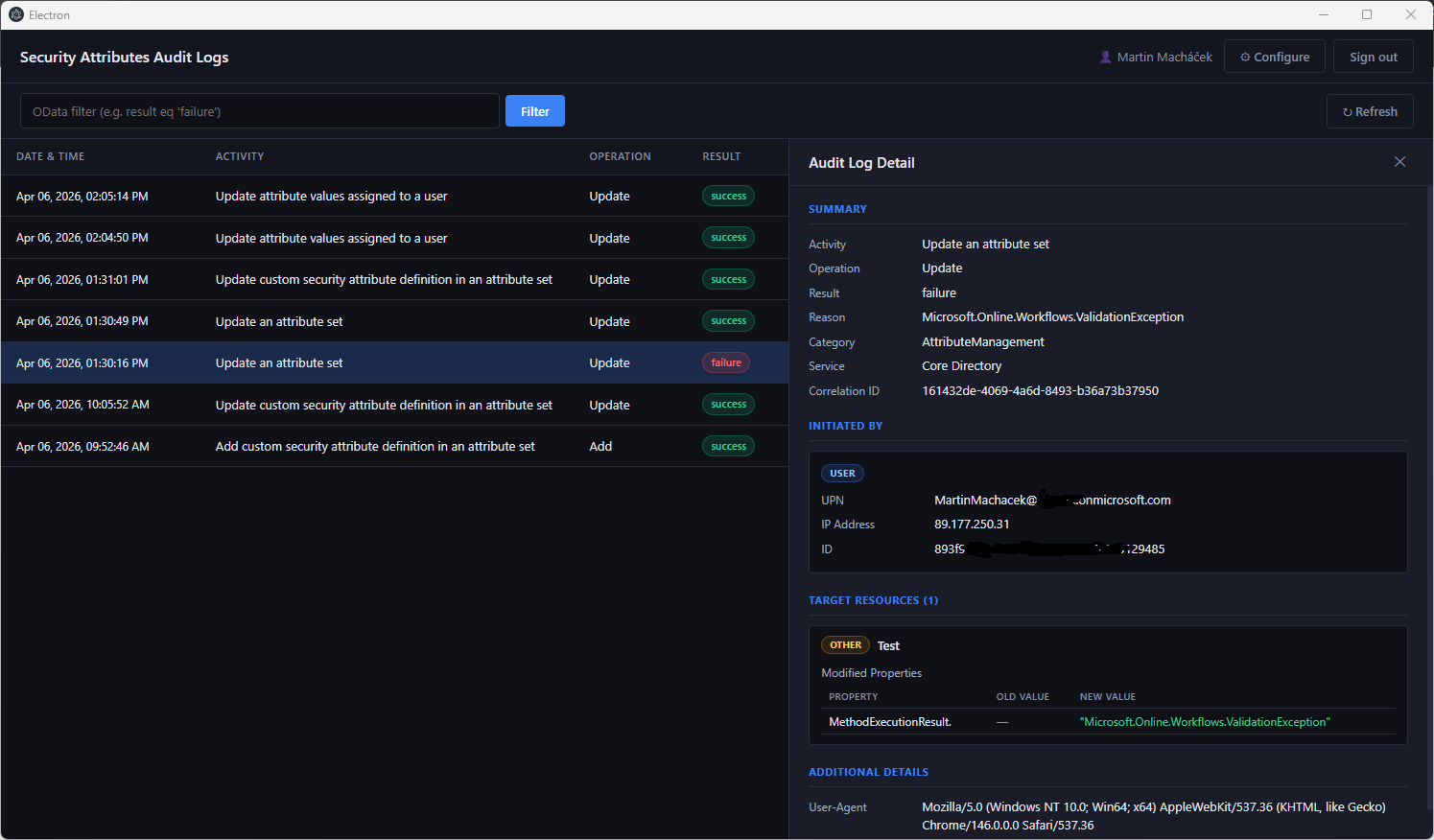
When you click on a specific log entry, you will see more details about the activity.
Advantages of using the app:
- It provides a user-friendly interface to view and filter the logs without needing to write some script
- Can be used by a user with required role instead of accessing Entra ID admin center
Conclusion
The audit logs for custom security attributes management in Entra ID provide valuable insights into the activities performed on these attributes. By monitoring these logs, you can ensure the security and integrity of your Entra ID environment and quickly identify any unauthorized or suspicious activities related to custom security attributes.
