Microsoft Graph Developer Skills
Microsoft Graph Developer Skills is a GitHub Copilot CLI plugin for building and modernizing applications with focused Microsoft Graph clients. I also used it in the GitHub Copilot App. It supports C#, TypeScript, and Python, with two approaches to client generation: Kiota by default, or an AI-generated client when explicitly requested.
The orchestrator coordinates four specialized skills:
- endpoint-resolver identifies the endpoints and least-privileged permissions for a use case.
- generate-sdk-kiota generates or updates a modular client with Kiota.
- generate-sdk-ai creates a narrowly scoped client from Microsoft Graph OpenAPI contracts when requested.
- write-app-code adds authentication, application logic, error handling, and setup instructions.
The application guidance also covers patterns such as pagination, batching, large file uploads, delta queries, and webhooks.
Getting started
In the GitHub Copilot App, I opened Customize > Plugins and searched for msgraph-developer-skills.
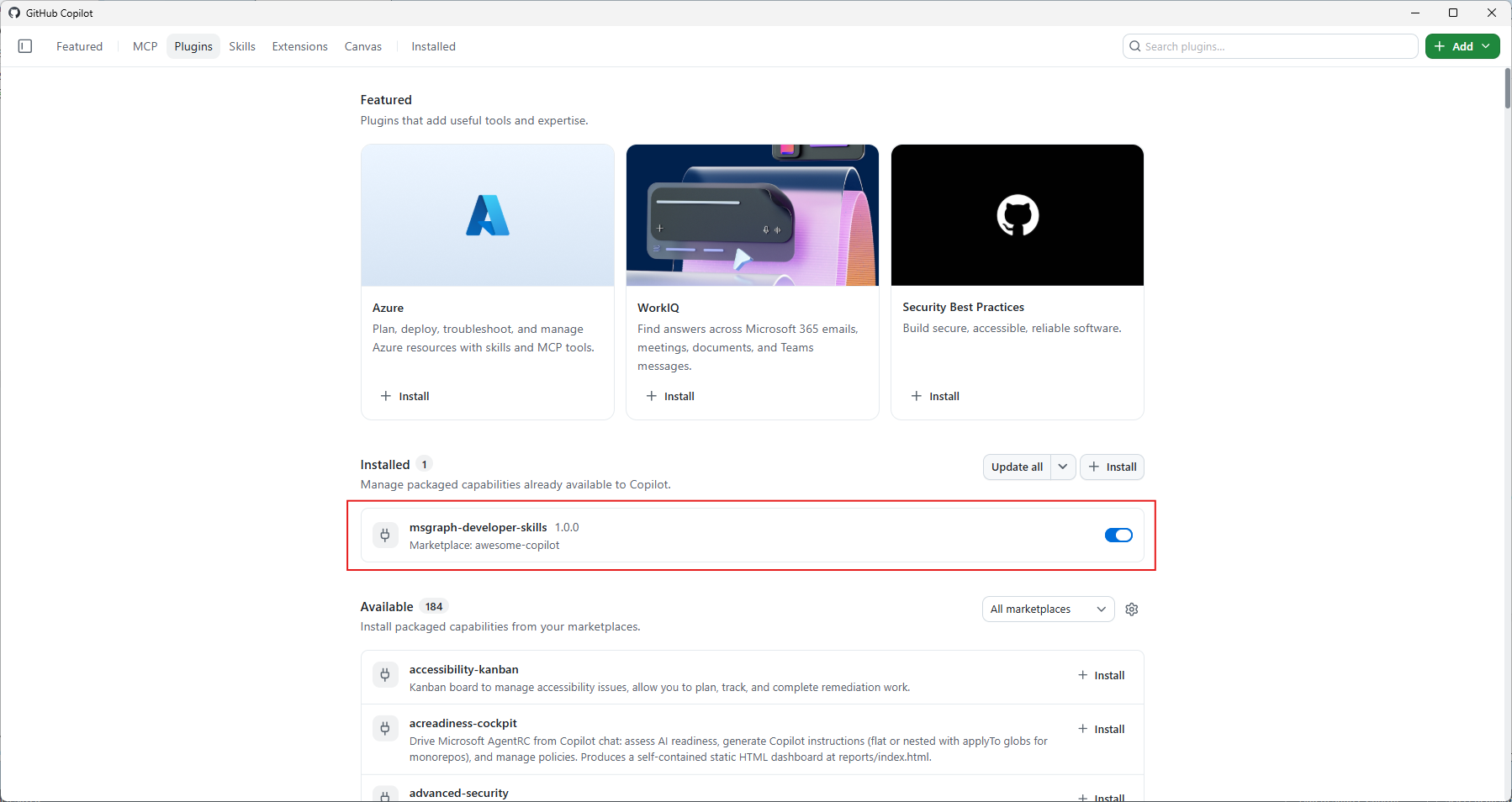
For GitHub Copilot CLI, the repository's installation instructions show how to install a local checkout with /plugin install <path-to-this-repository>, restart the session, and verify it with /plugin list and /skills list. You will also need a Microsoft Entra tenant and the appropriate language toolchain; the default Kiota workflow requires the .NET SDK and Kiota.
Example 1
I started with this prompt:
Generate a .NET background service named InactiveUsers that runs every day and lists users in the tenant who have not signed in during the last 30 days. Disable accounts of users who have not signed in for more than 30 days. Use a modular Microsoft Graph SDK generated with Kiota.
The generate-sdk-kiota skill produced the request builders and models needed for the use case, while write-app-code generated the service and its Graph integration. I could inspect the generated code directly in the Copilot App session.
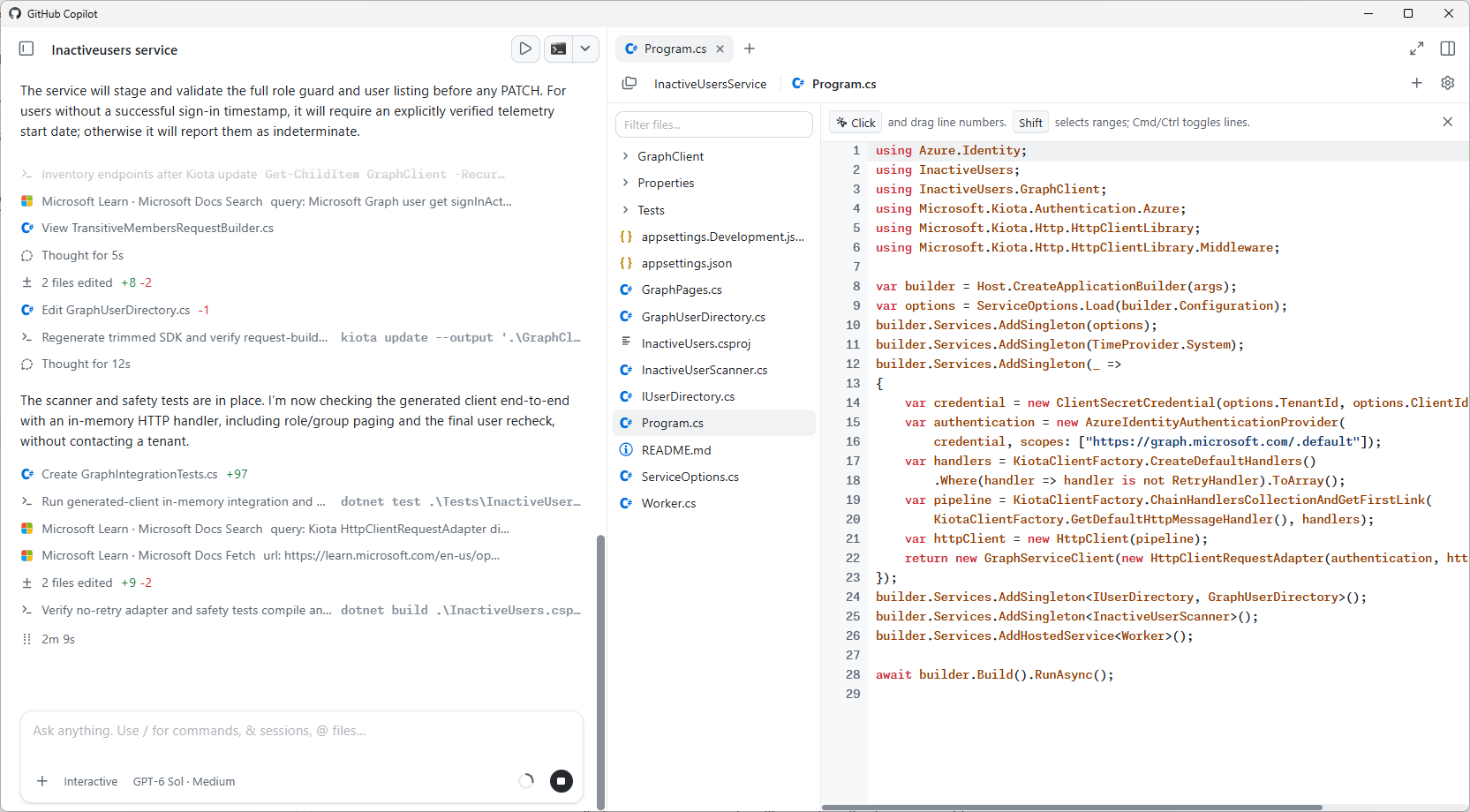
The service ran in my first local test. That was encouraging, but it was not the end of the review: the generated code implemented its own pagination rather than using the PageIterator helper recommended in the skill's guidance. Manual paging is supported, but I would check that it handles every page and ask Copilot to align the implementation with the recommended pattern where appropriate.
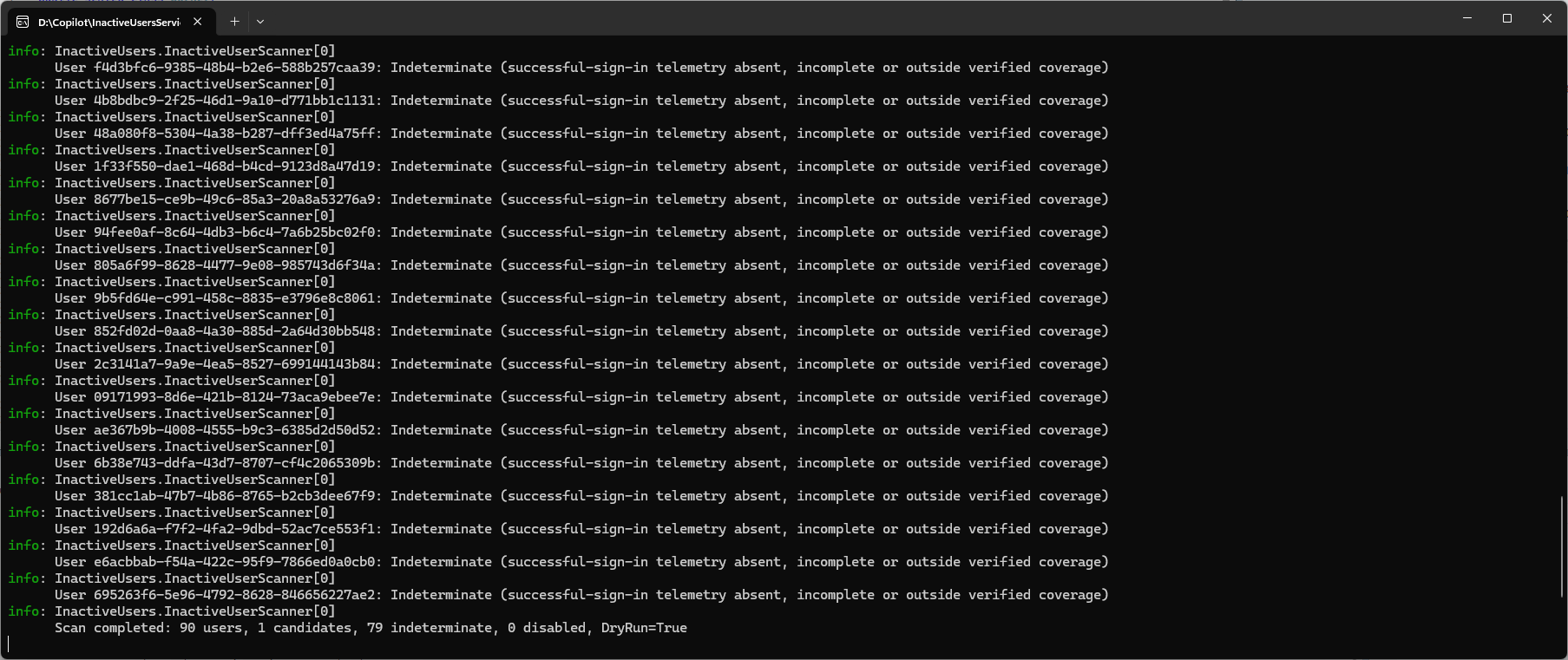
Important: The 30-day disable rule above describes my experiment, not a policy to deploy unchanged. Before taking action on accounts, I would start in report-only mode, distinguish successful sign-ins from sign-in attempts, account for data freshness and legitimate absences, review exclusions, and require approval to disable users. Microsoft's guidance on inactive accounts recommends investigating every user before acting and notes that 90–180 days is a reasonable inactivity window in many organizations. I would not recommend to delete those accounts without a review why the users have been inactive.
Example 2: A React work-month summary
Next, I asked Copilot to create MyWorkMonth, a TypeScript React application that reads my inbox messages and calendar events for the current month and generates a summary. This time I explicitly requested an AI-generated, purpose-built Microsoft Graph client.
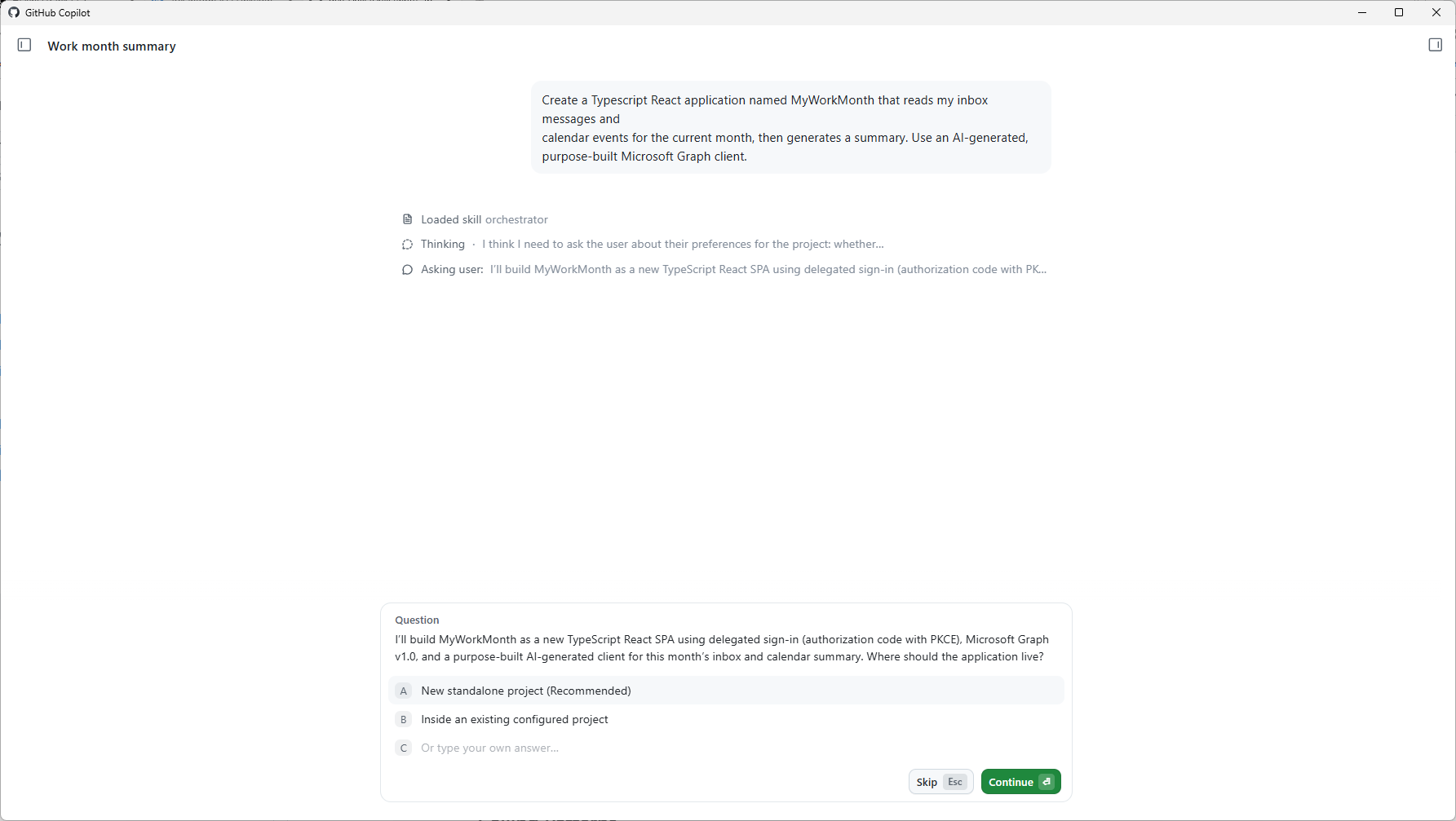
The plugin generated the focused client alongside the React application. In the Copilot App, I could run the app in the session, inspect its output, and iterate on the results several times.
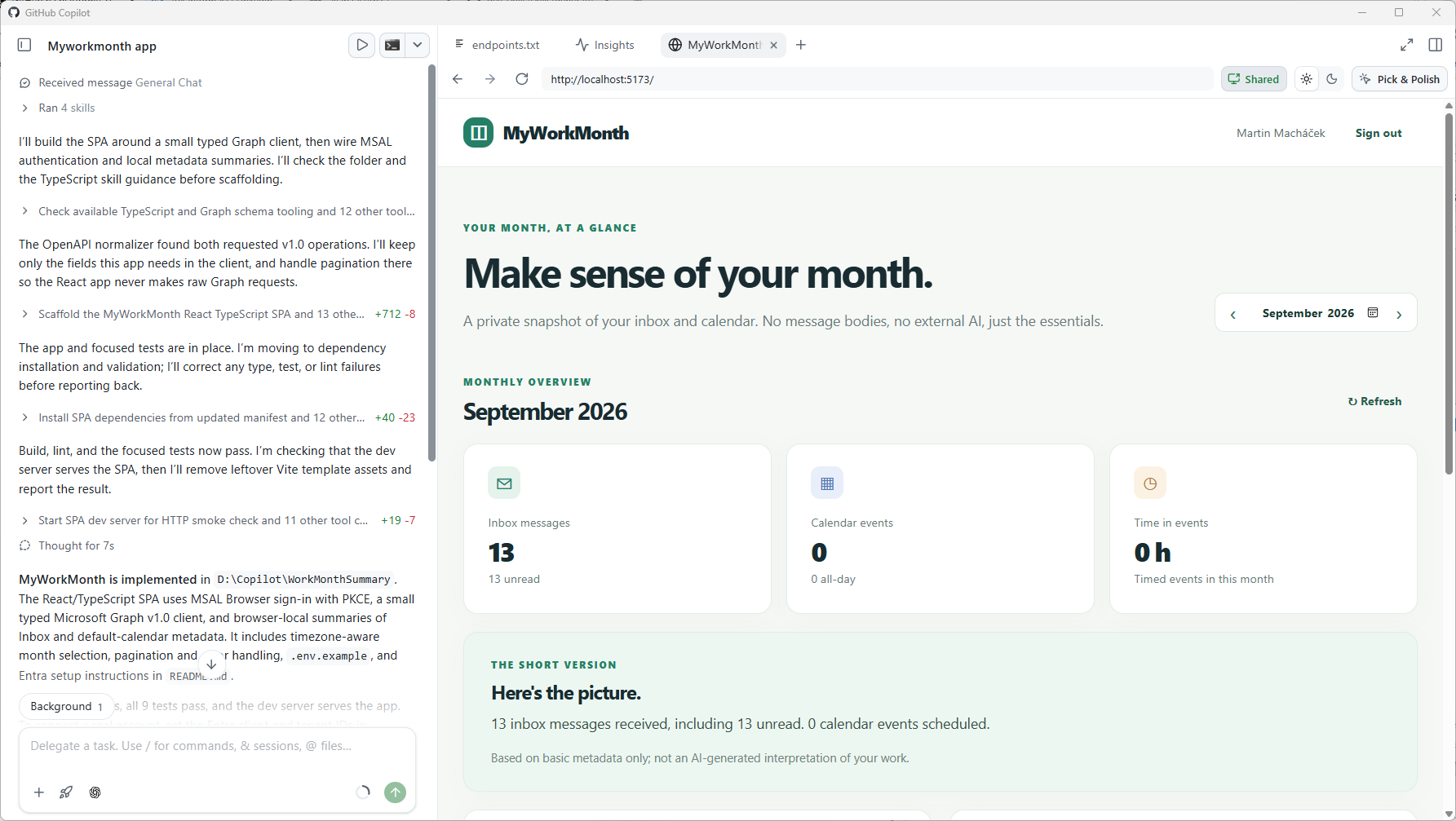
For an application that reads personal messages and events, I would still review the delegated permissions, authentication flow, and handling of mailbox data before sharing or deploying it.
Conclusion
These small experiments showed me how the same set of skills can support two different approaches: a reproducible Kiota-generated client for the .NET service and a narrower AI-generated client for the React app. Both got me to a working starting point quickly, and the Copilot App made it easy to inspect and refine the results. The pagination choice in the first example was a useful reminder that running code is not necessarily finished code. I would use the skills to accelerate an initial implementation, then verify its API behavior, permissions, and operational safeguards against the needs of the application and tenant.
